Compose
Build riffs, chord progressions, drum tracks, layers, and full arrangements.

HyperChord Pro · macOS
A visual composition environment for building, transforming, and performing music—where deliberate ideas and unexpected discoveries belong together.

A different way into music
HyperChord Pro treats composition as a visual, malleable space. Notes live on color-coded interval lanes, riffs can carry their own tonality and sound, and musical ideas remain visible as they grow.
Start with a precise intention or let a generator suggest a direction. Build conventional phrases, put notes inside notes with supernotes, then reshape the result without losing the original idea.
The workspace
The Riff Editor, contextual controls, transport, and project information stay close at hand, so structure and detail can be edited without breaking the flow.


Generate · transform · discover
Generators create musical material from waves, lines, geometric shapes, spirals, and text. Randomizers introduce controlled variation. Rhythm patterns turn reusable structures into fresh phrases.


Harmony stays visible
Intervals, scales, modes, and chord progressions are part of the visual language of the workspace—not theory hidden behind a menu.

Build progressionsSave chord sets and let any riff follow the harmonic movement.
Transpose freelyMove material by key, scale, degree, or octave while preserving its musical role.
Remap old ideasImport MIDI and reinterpret it inside another tonal framework.

Pixound technology
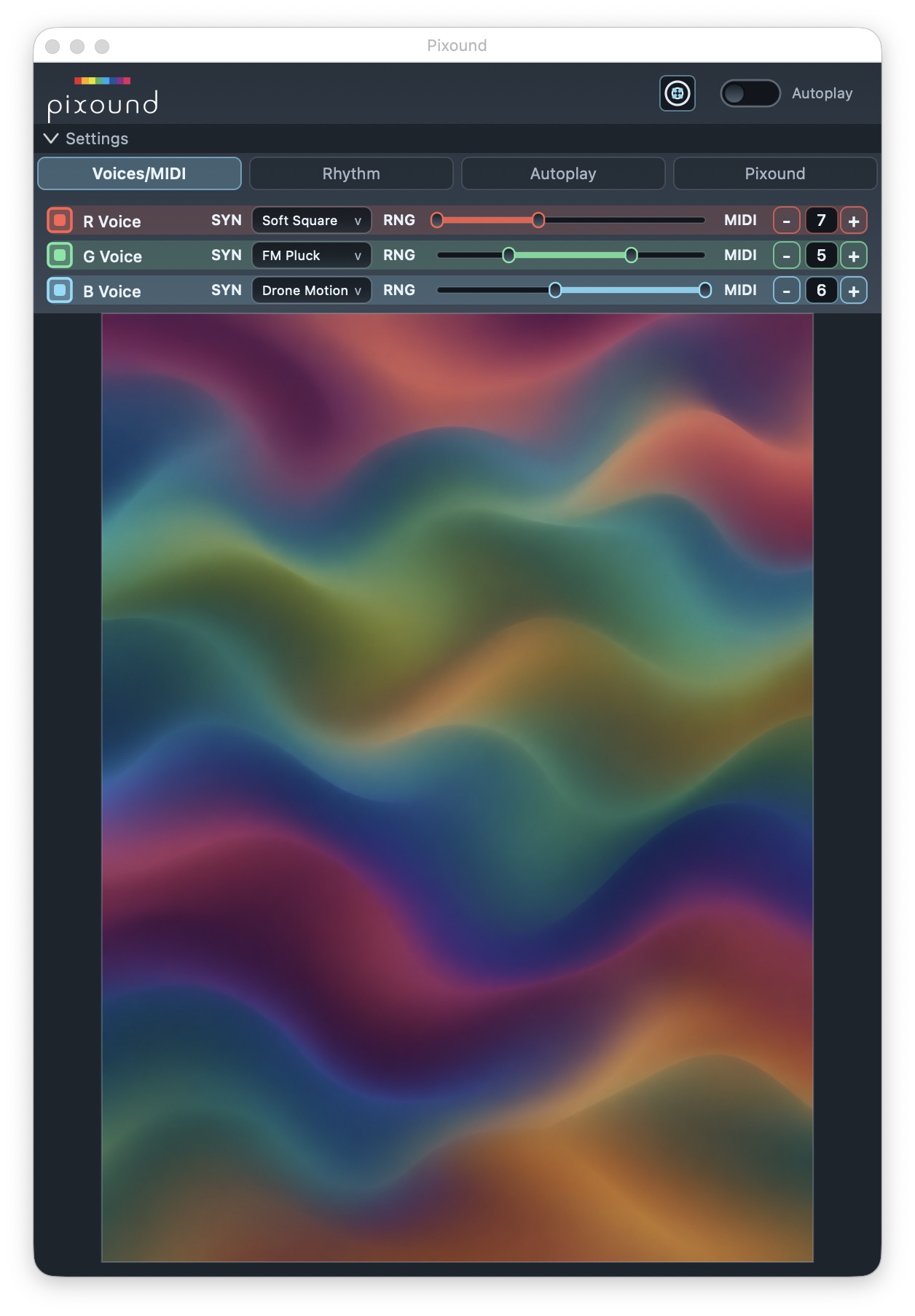
Pixound turns an image into an instrument. Its patented technology reads color as an RGB trio—three independent voices shaped by the red, green, and blue within every point you touch.
Explore a picture by hand, let it play itself, or bring its color into the Jammer. It’s another way to step inside the music and discover a performance that could only come from what you see.
Composition becomes performance
The Jammer gives you an expressive instrument that inherits the composition’s tonality. Perform in key, shape arpeggios in real time, and capture the result alongside your arranged layers.
The Jammer is a hyperinstrument in a class of its own. In the right hands, it can leave an audience enthralled by what they hear—all on its own.
Independent musical layers and MIDI channels
Dedicated drum and synth tracks
Internal subtractive and FM synthesis

Shape the sound
Choose and edit internal voices, arrange independent layers, or send the performance to external instruments. HyperChord can remain a self-contained composition studio or become the generative center of a larger setup.
We had to build our own synthesizer. Supernotes live between music’s visible surface and the audio roots of sound; conventional MIDI and sample playback alone cannot express that depth.


Made for a real studio
Build riffs, chord progressions, drum tracks, layers, and full arrangements.
Use the Jammer, automation, MIDI input, and external instruments in real time.
Record stereo audio or export multitrack MIDI for Logic Pro and other studio tools.
Availble now for macOS
HyperChord Pro is now available at an introductory price of $129.
